
Delete your account
How to permanently delete your account and data from the app, and what to do about a subscription first.
You can delete your SavingTax account and data at any time. This is permanent and can’t be undone.
Delete it in the app
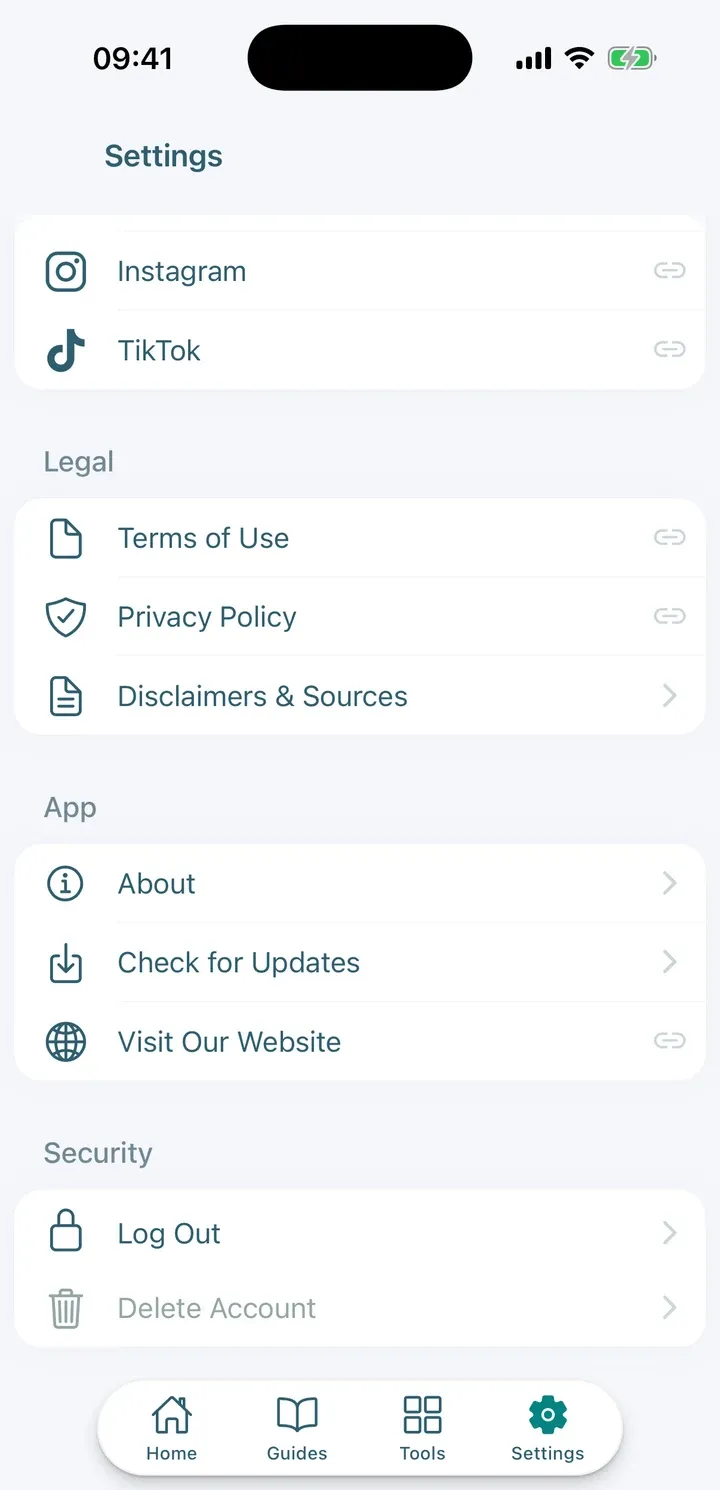
- Go to Settings.
- Tap Delete Account.
- Read the warning and tap Continue.
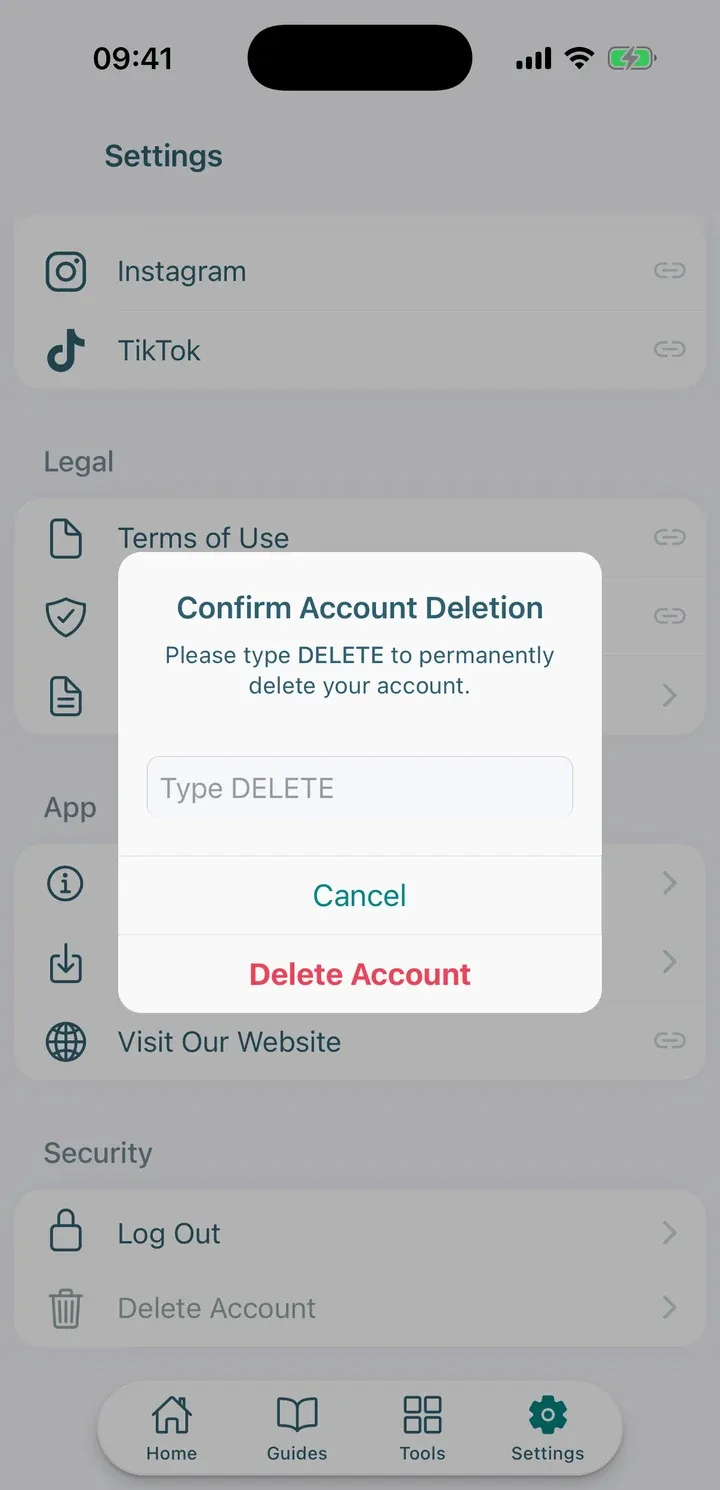
- Type DELETE to confirm.
- If you have an active subscription, the app tells you that billing continues until you cancel it. Choose Manage Subscription to cancel it first, or Delete Anyway.
- If you use two-factor authentication, enter a code from your authenticator app, or tap Use a backup code and enter one of your saved backup codes.
When it’s done, the app confirms that your account has been deleted.
Tip: Deleting your account doesn’t cancel a subscription. Cancel it first in your App Store or Google Play account, or you will keep being billed.
If you can’t sign in
If you can’t get into the app, follow Delete your account for the email route.