
Upgrade to Premium and manage your subscription
What Premium adds, how to subscribe in the app and how to cancel.
SavingTax is free to download and use. Premium unlocks more.
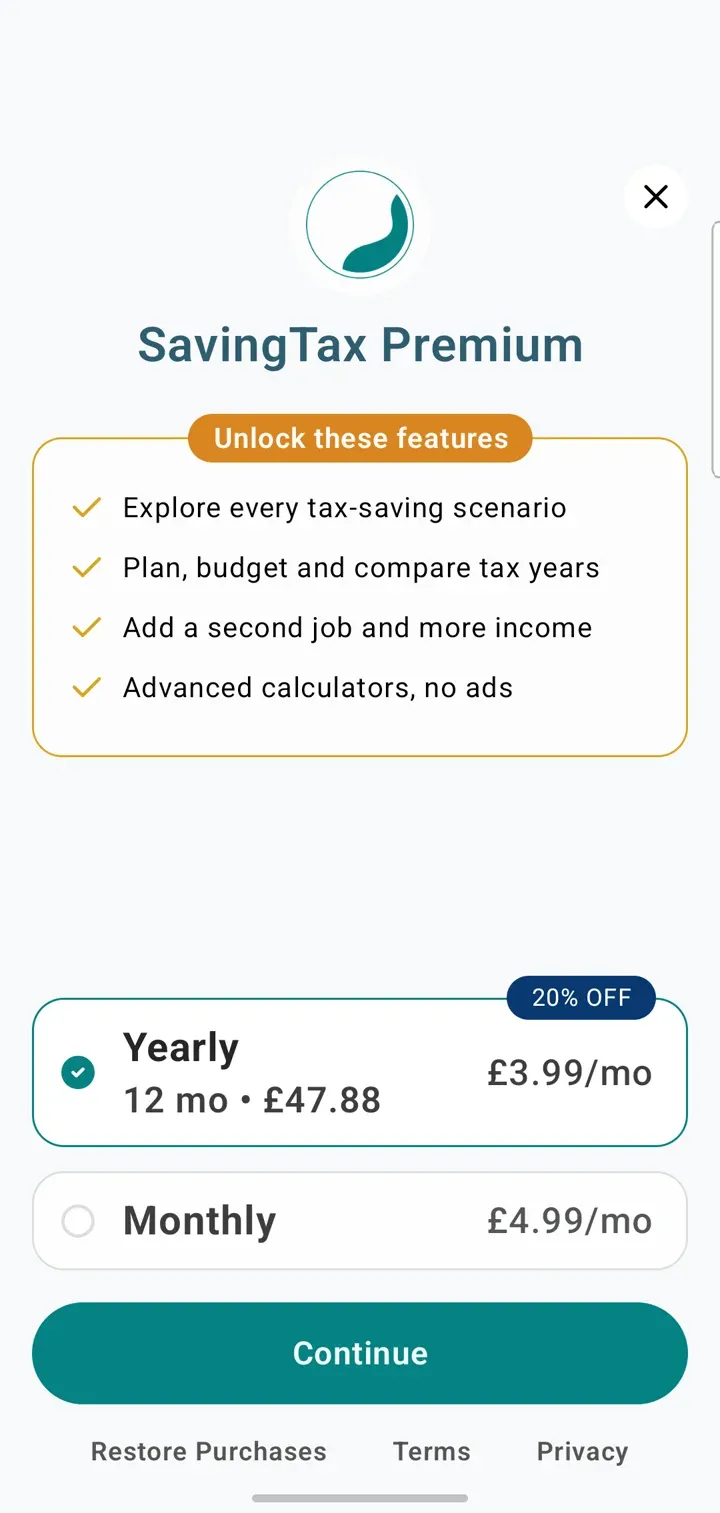
What Premium adds
- No ads
- Every tax-saving scenario, including Lower Your Tax Band, Protect Your Child Benefit and Beat the 60% Tax Trap
- Combined plans across pensions, Lifetime ISAs and Gift Aid
- A monthly budget
- Multiple tax years, and comparing them
- More income sources: a second job, savings interest, dividends, capital gains and rental income
- The full tax breakdown
- Pension relief, Capital Gains Tax, dividend tax and required salary calculators
- Multiple financial goals
Subscribe
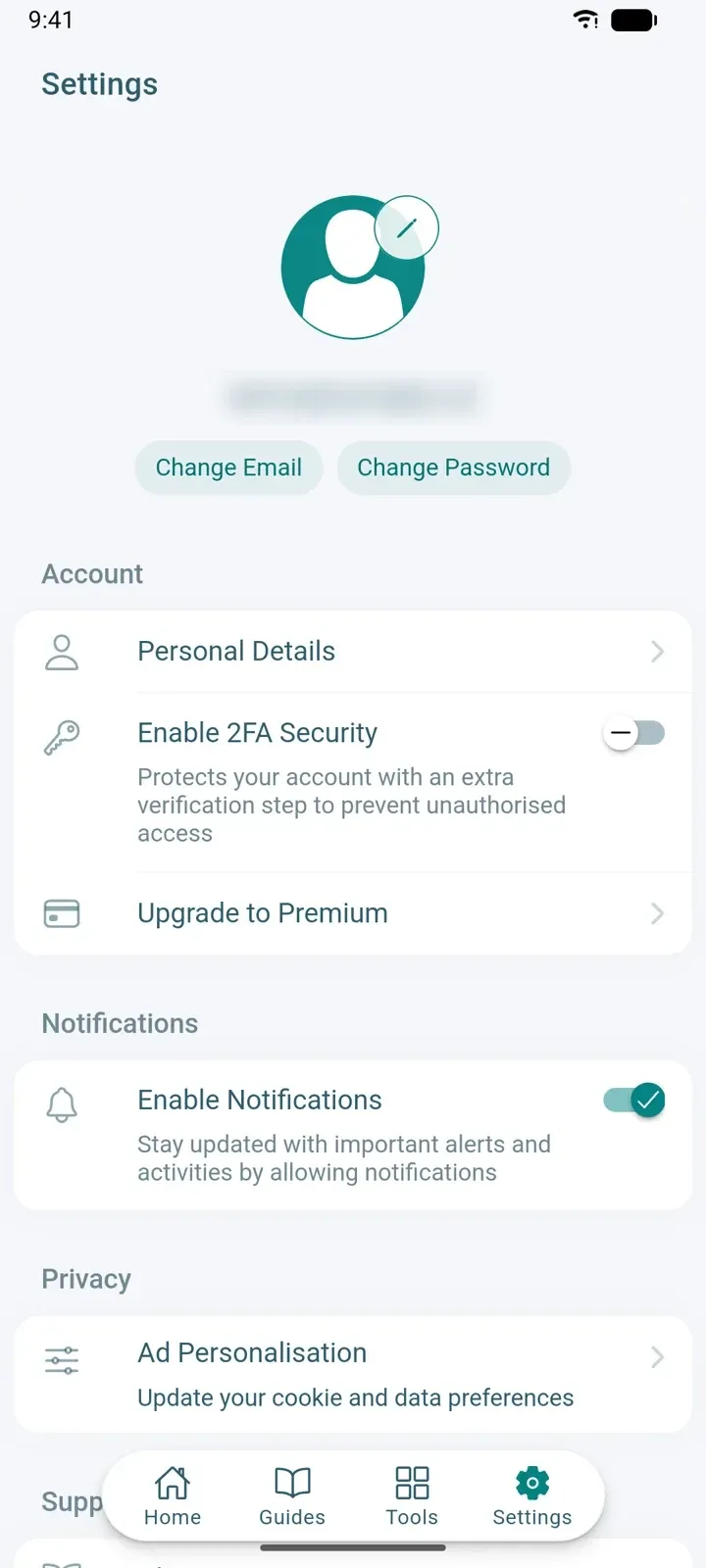
- Go to Settings.
- Under Account, tap Upgrade to Premium.
- Choose a plan and confirm with the App Store or Google Play.
Cancel or manage your subscription
Subscriptions are handled by the App Store or Google Play, not by SavingTax.
- Go to Settings.
- Tap Manage Subscription (it replaces Upgrade to Premium once you’re subscribed).
- Cancel from your App Store or Google Play subscription page.
You keep Premium until the end of the period you’ve paid for. Cancelling doesn’t delete your account.