
Create your account
Sign up with Apple, Google or your email address, and verify your email so you can sign in.
You need an account to save your details and plan. It takes about a minute.
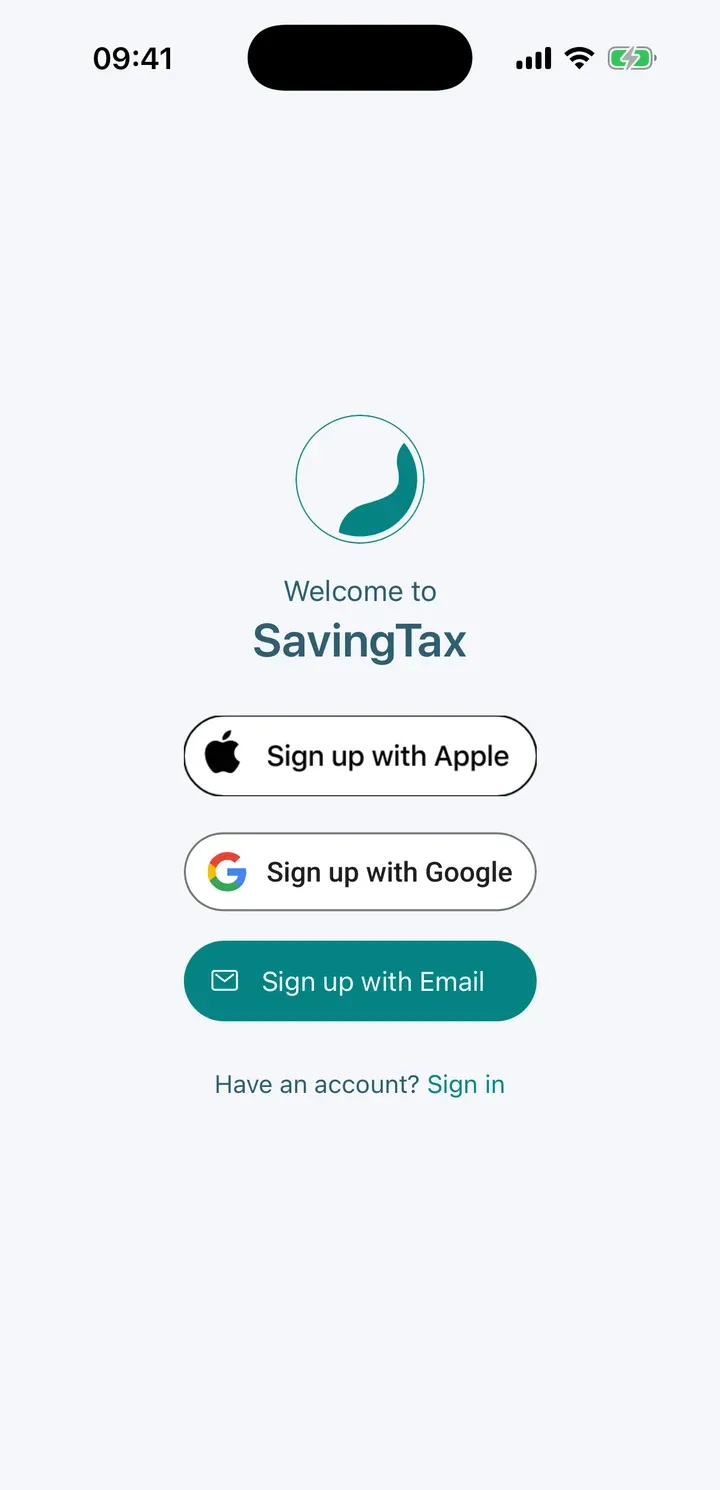
Choose how to sign up
On the sign-up screen you can use:
- Sign up with Apple (on iPhone and iPad)
- Sign up with Google
- Sign up with Email
Apple and Google sign you straight in. Email sign-up has one extra step, below.
Sign up with email
- Tap Sign up with Email.
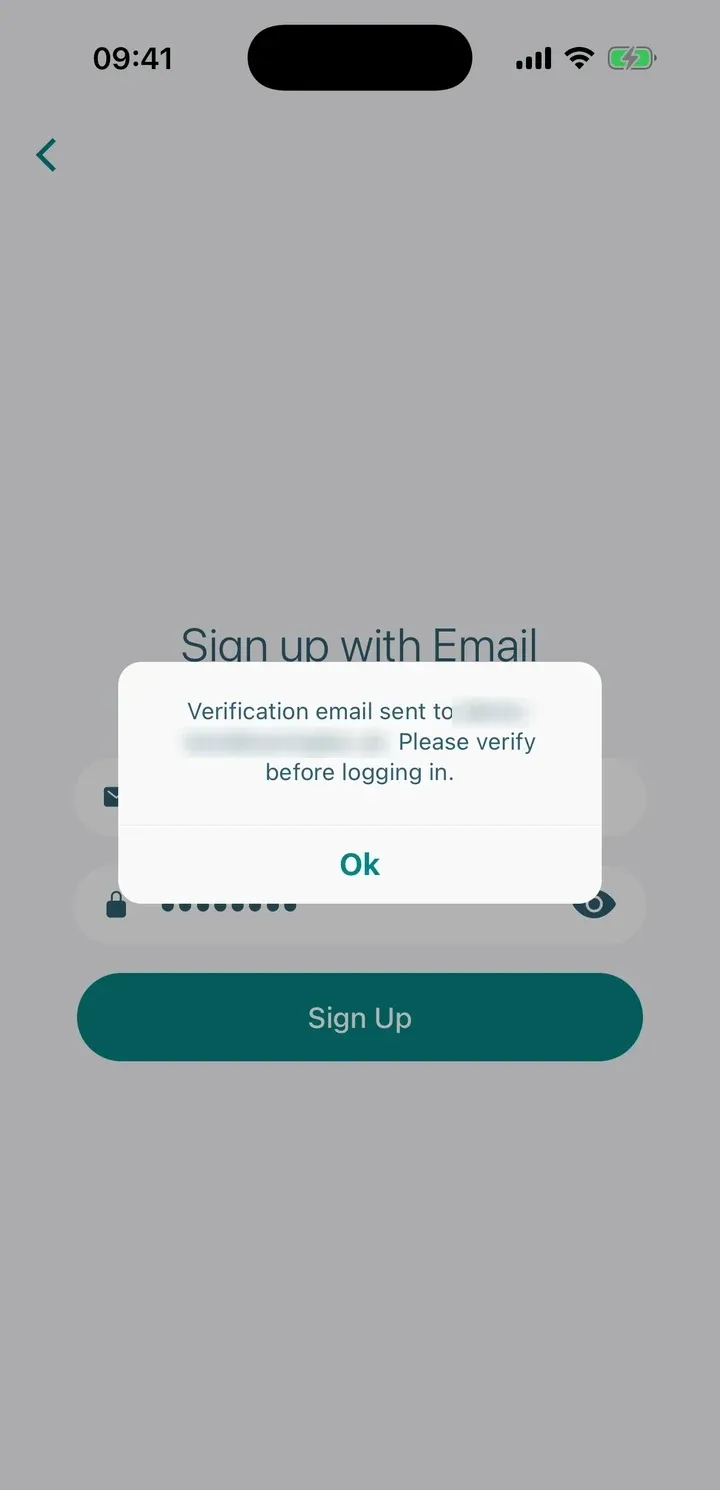
- Enter your email address and choose a password. It must be at least 6 characters.
- Tap Sign Up.
- We send a verification email to the address you entered. Open it and tap the link.
- Go back to the app and sign in with your email and password.
You can’t sign in until you’ve verified your email. If the email doesn’t arrive, check your spam or junk folder.
Tip: Already have an account? Tap Sign in at the bottom of the sign-up screen instead.
What happens next
The first time you sign in, the app walks you through setting up your tax year. Follow Set up your tax year for each step.