
Add your income and details
Where to enter or update your salary, pension contributions, self-employment profit and tax details.
Your income is what SavingTax uses to work out your tax. You enter it during setup, and you can update it whenever your pay or contributions change.
Open your details
Either of these opens the same screen:
- On Home, tap Details.
- Go to Settings, then Personal Details.
What you can enter
Your name and address. First name, last name and your address.
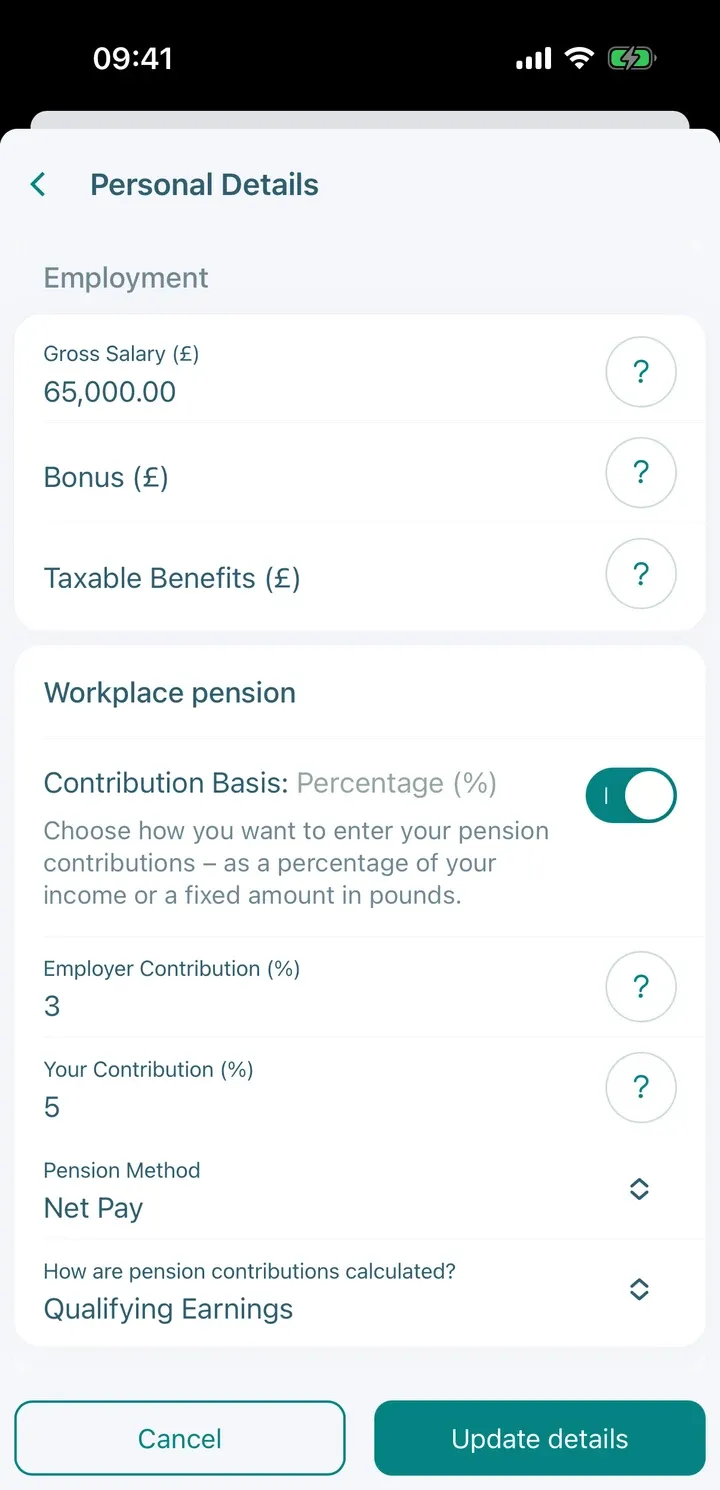
Employment. Use gross (before tax) amounts.
- Gross Salary (£)
- Bonus (£)
- Taxable Benefits (£)
- Your pension contributions and your employer’s contributions, as a percentage or in pounds. Choose the Pension Method that matches how your contributions are calculated.
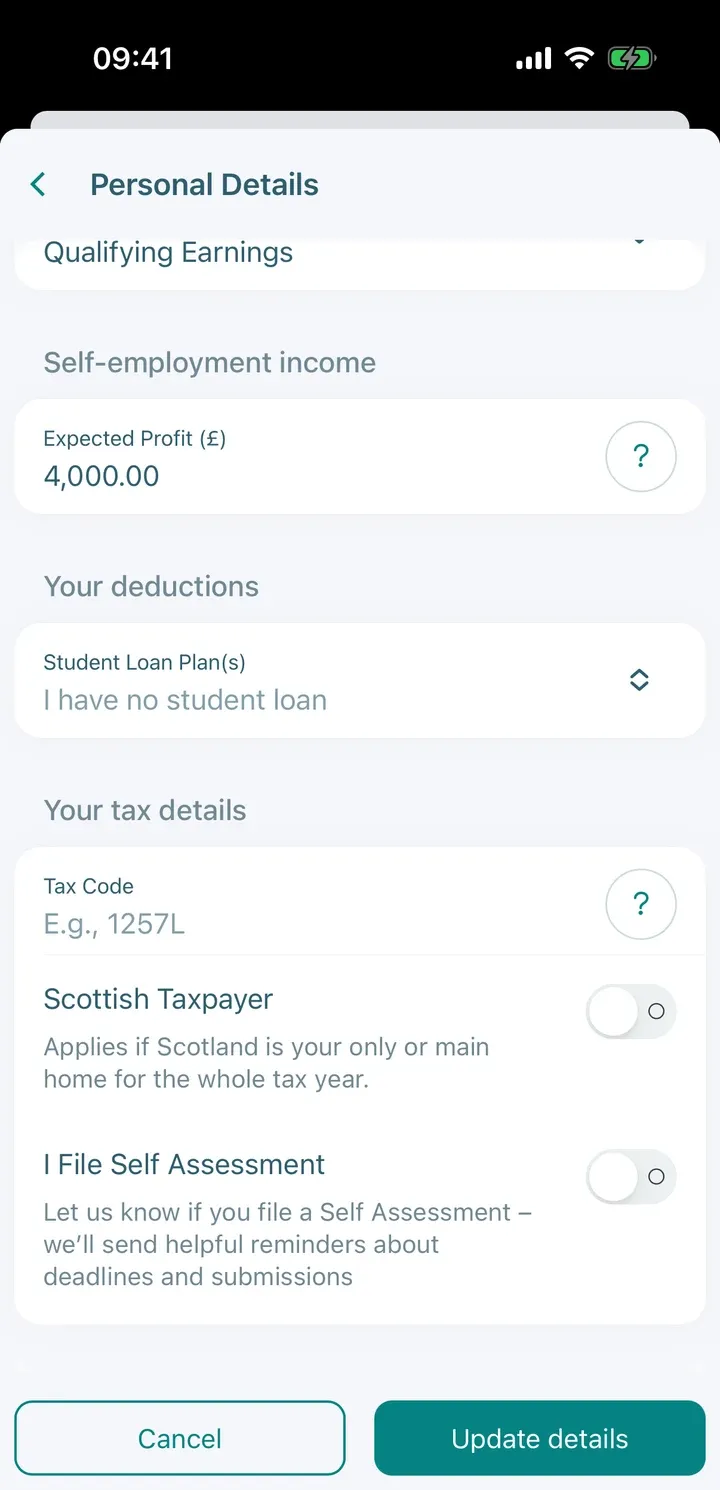
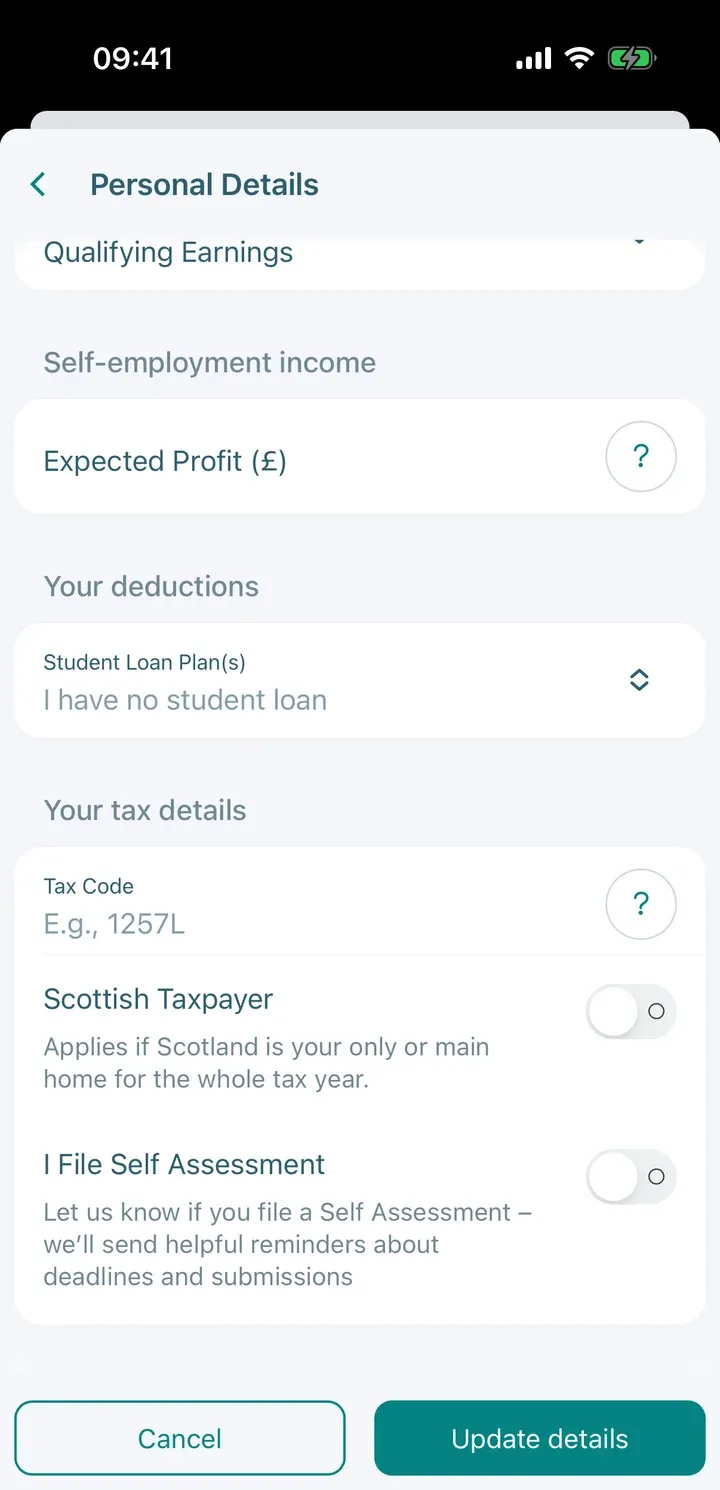
Self-employment income. Enter your Expected Profit (£) for the year.
Your deductions. Choose your Student Loan Plan(s) if you have one, so repayments are included in your take-home pay.
Your tax details. Your tax code, National Insurance number and Unique Taxpayer Reference, if you want to record them.
Other income (Premium). A second employment, savings income, dividends, capital gains and rental income.
Tip: Tap the small i next to a field to see what counts, for example what counts as salary or as a bonus.
After you change something
If you change your income and you have already run a scenario, the scenario may show Out of date. Run it again so the figures match your new details. See Run a tax-saving scenario.